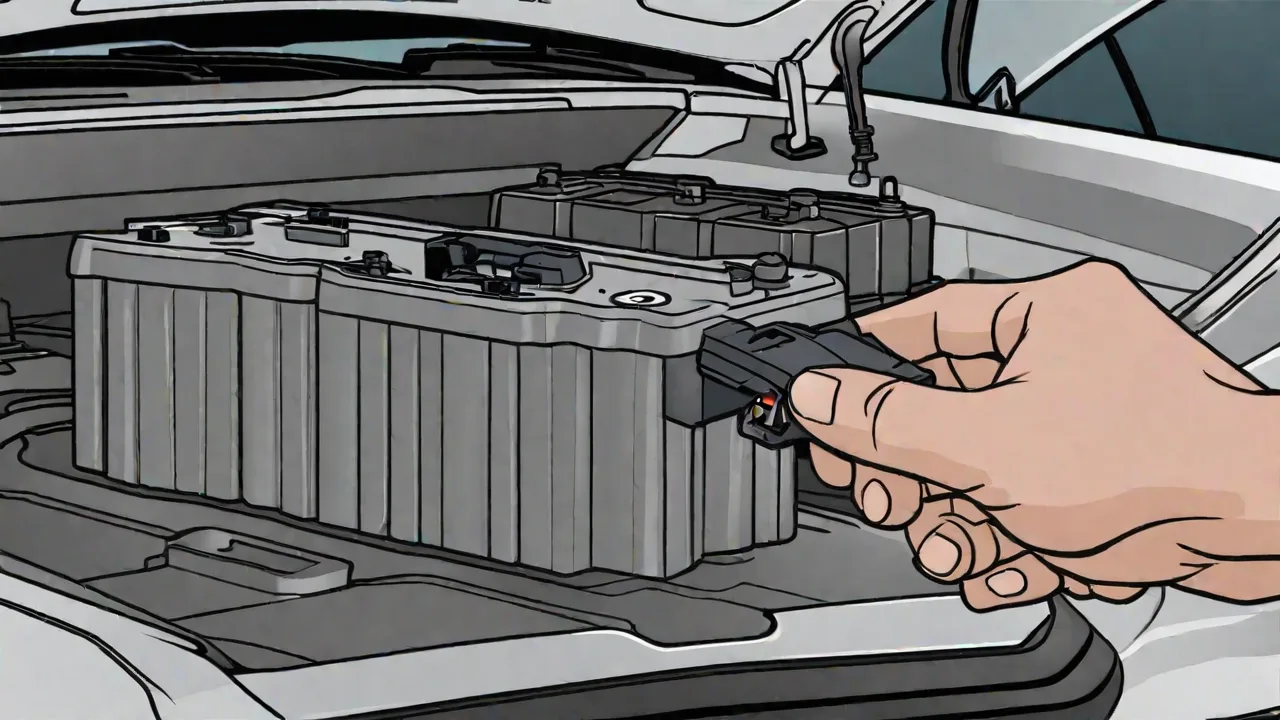
How to Properly Reset Your Buick Battery After Replacement or Service
Replacing or servicing your Buick's battery is a common maintenance task, but it's equally important to properly reset the vehicle's electrical system afterward. Doing so ensures that your car's computer systems recognize the new battery and function correctly. This guide will walk you through the steps to reset your Buick battery safely and effectively.
Preparation Before Resetting the Battery
Before starting the reset process, gather the necessary tools and ensure your vehicle is parked on a flat surface with the parking brake engaged. Turn off all electrical accessories, such as the radio, lights, and climate control, to prevent electrical surges. It's also advisable to wear gloves and safety glasses for protection.
Steps to Reset Your Buick Battery
- Open the hood and locate the battery. Make sure the vehicle is turned off and the keys are removed.
- Disconnect the negative terminal of the battery first by loosening the clamp with a wrench and carefully lifting the cable away.
- Next, disconnect the positive terminal using the same method.
- Wait for at least 10 minutes to allow the vehicle's systems to reset.
- Reconnect the positive terminal first, tightening the clamp securely.
- Then, reconnect the negative terminal, ensuring it is tightly secured.
- Close the hood and start your vehicle. Observe if the warning lights on the dashboard turn off and if the systems operate normally.
Additional Tips for a Successful Reset
If your Buick has a specific reset procedure outlined in the owner’s manual, follow those instructions. Some models may require a diagnostic tool or specific steps to reset the battery management system properly.
After resetting, it may be necessary to recalibrate certain systems, such as the clock, radio presets, or driver assistance features. Drive your vehicle normally for a few miles to allow the systems to reinitialize fully.
When to Seek Professional Assistance
If you experience persistent warning lights, electrical issues, or your vehicle does not operate correctly after the reset, consult a professional mechanic. They can perform a diagnostic check to ensure everything is functioning properly and address any underlying problems.
Properly resetting your Buick's battery after replacement or service helps maintain optimal vehicle performance and prevents electrical system issues. With these simple steps, you can ensure your car continues to run smoothly and safely.